
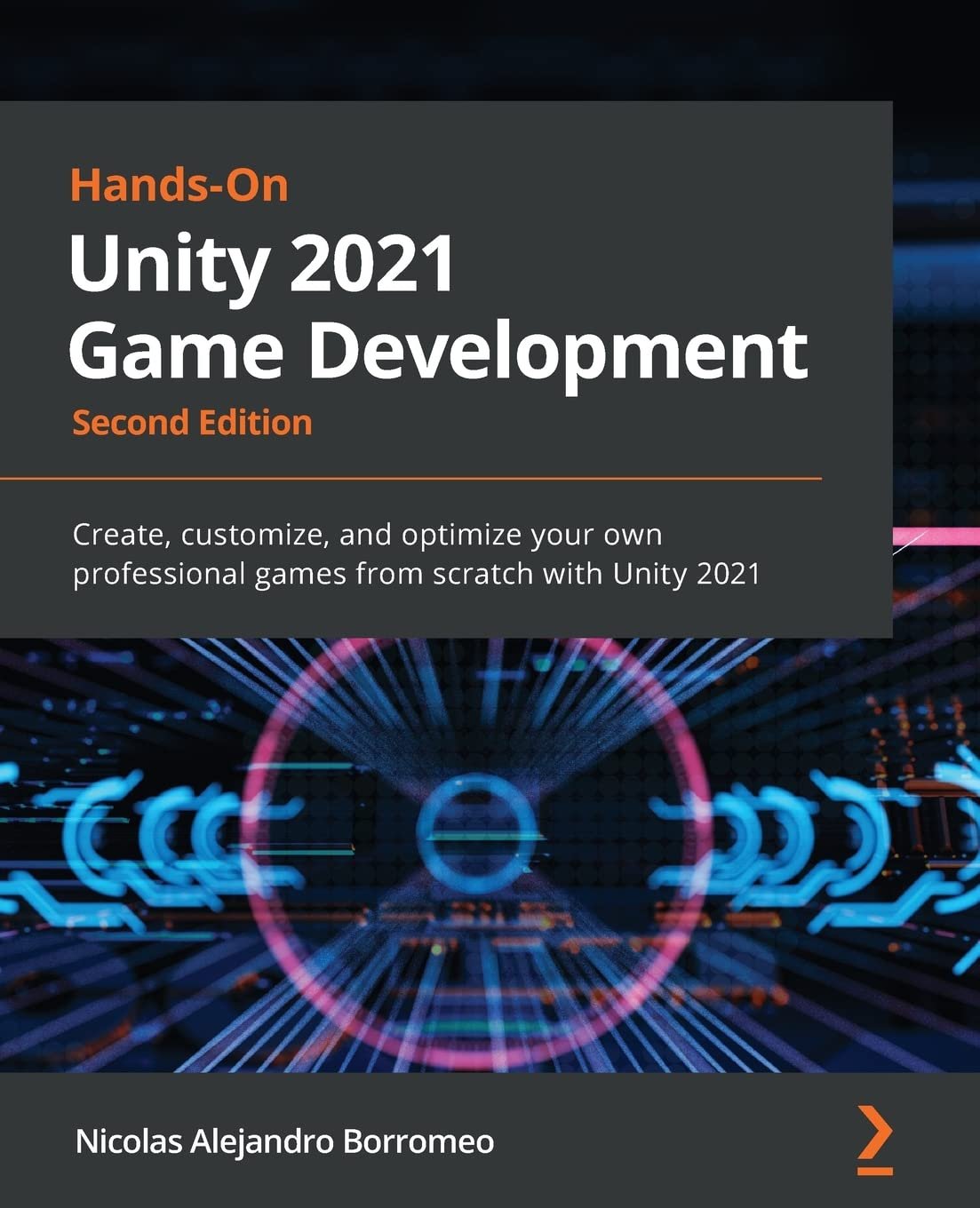


Hands-On Unity 2021 Game Development: Create, customize, and optimize your own professional games from scratch with Unity 2021
Original price was: $69.99.$49.90Current price is: $49.90.
Price: $69.99 - $49.90
(as of Feb 18, 2026 09:22:43 UTC –
Details
)

Achieve mesmerizing game experiences using the latest Unity 2021 features by following a practical approach to building professional games
Key FeaturesUnleash the capabilities of C# scripting to create UIs, graphics, game AI agents and moreExplore Unity’s latest tools, including Universal Render Pipeline, Shader Graph, UI Toolkit, Visual Scripting, and VFX graph, to enhance graphics and animationBuild an AR experience using Unity’s AR FoundationBook Description
Learning how to use Unity is the quickest way to creating a full game, but that’s not all you can do with this simple, yet comprehensive suite of video game development tools – Unity is just as useful for creating AR/VR experiences, complex simulations, real-time realistic rendering, films, and practical games for training and education.
Hands-On Unity 2021 Game Development outlines a practical journey to creating your first full game from the ground up, building it step-by-step and applying your knowledge as you progress.
Complete with hands-on tutorials and projects, this easy-to-follow guide will teach you how to develop the game using several Unity tools. As you advance, you will learn how to use the Unity engine, create simple scripts using C#, integrate graphics, sound, and animations, and manipulate physics to create interesting mechanics for your game. You’ll be able to apply all the knowledge that you gain to a real-world game.
Later chapters will show you how to code a simple AI agent to challenge the user and use profiling tools to ensure that the code runs efficiently. Finally, you’ll work with Unity’s AR tools to create AR experiences for 3D apps and games.
By the end of this Unity book, you will have created a complete game and built a solid foundation in using a wide variety of Unity tools.
What you will learnExplore both C# and Visual Scripting tools to customize various aspects of a game, such as physics, gameplay, and the UIProgram rich shaders and effects using Unity s new Shader Graph and Universal Render PipelineImplement postprocessing to improve graphics quality with full-screen effectsCreate rich particle systems for your Unity games from scratch using VFX Graph and ShurikenAdd animations to your game using the Animator, Cinemachine, and TimelineUse the brand new UI Toolkit package to create user interfacesImplement game AI to control character behaviorWho this book is for
This book is best suited for game developers looking to upgrade their knowledge and those who want to migrate their existing skills to the Unity game engine. Those with prior Unity knowledge will also benefit from the chapters exploring the latest features. While you’ll still able to follow along if you don’t have any programming experience, knowing the fundamentals of C# programming will help you get the most out of this book.
Table of ContentsDesigning a Game from ScratchSetting Up UnityWorking with Scenes and Game ObjectsGrayboxing with Terrain and ProBuilderImporting and Integrating AssetsMaterials and Effects with URP and Shader GraphVisual Effects with Particle Systems and Visual Effect GraphLighting Using the Universal Render PipelineFullscreen Effects with PostprocessingSound and Music IntegrationUser Interface DesignCreating a UI with the UI ToolkitCreating Animations with Animator, Cinemachine, and TimelineIntroduction to C# and Visual ScriptingImplementing Movement and SpawningPhysics Collisions and Health System
(N.B. Please use the Read Sample option to see further chapters)
From the Publisher

Hands-on Unity for Beginners
Hands-On Unity 2021 Game Development is for anyone with beginner-level game development skills who wants to get started with Unity to build exciting games. Unity is a large and complex platform, and it’s normal to feel lost when first trying to get to grips with the basics. Written specifically with beginners in mind, this book will help you get up and running with Unity, building and customizing your very own games using C# scripting.
While lots of books can help you create full projects with Unity with only the basic Unity features, Hands-On Unity 2021 Game Development uses the most recent 2021 features to help you stay up-to-date with the constant evolution of Unity.
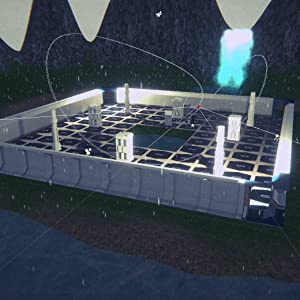
Real-world Unity Development Skills
Do you want to gain real-world experience of creating a full game from scratch?
With Hands-On Unity 2021 Game Development, you’ll learn how to use the latest and most important Unity systems, such as graphics using Universal Render Pipeline, Shader Graph and Visual Effects Graph; UI using Canvas and UI Toolkit; animation using Mecanim, Cinemachine and Timeline; scripting using C# and Visual Script; AI with Navmesh; physics using PhysX and much more.
All the content explained in the book can be applied to a real game to see how the different Unity features can be integrated into a cohesive project. By the end, you’ll have a basic yet fully featured game. All of this without prior knowledge of Unity!
Build Your Own Game
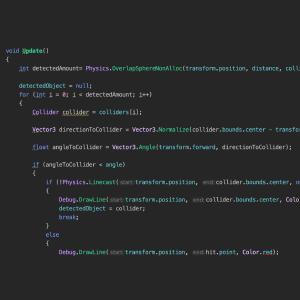
Perform game scripting with C# and Bolt visual scripting
Get to grips with C# scripting and learning how to customize effects, sounds, and graphics based on your specifications for a game. If you’re just starting to code, you can check the equivalent version of the scripts in Bolt visual scripting, a new node-based Unity coding tool that simplifies the way you code.
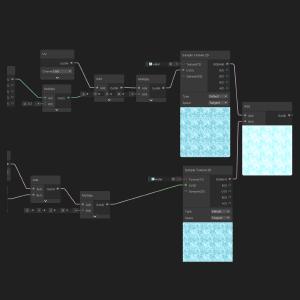
Create shaders with Shader Graph
See real-time results when you customize your shaders with Shader Graph, creating a water animation effect for your game.

Use AR Foundation to integrate augmented reality
By simplifying AR development using a unified workflow provided by AR Foundation, you’ll not only build immersive experiences but also be able to deploy them across multiple platforms.
Publisher : Packt Publishing
Publication date : August 20, 2021
Edition : 2nd ed.
Language : English
Print length : 710 pages
ISBN-10 : 1801071489
ISBN-13 : 978-1801071482
Item Weight : 2.64 pounds
Dimensions : 7.5 x 1.6 x 9.25 inches
Best Sellers Rank: #2,653,799 in Books (See Top 100 in Books) #344 in C# Programming (Books) #494 in Computer & Video Game Design #1,070 in Game Programming
Customer Reviews: 4.4 4.4 out of 5 stars (85) var dpAcrHasRegisteredArcLinkClickAction; P.when(‘A’, ‘ready’).execute(function(A) { if (dpAcrHasRegisteredArcLinkClickAction !== true) { dpAcrHasRegisteredArcLinkClickAction = true; A.declarative( ‘acrLink-click-metrics’, ‘click’, { “allowLinkDefault”: true }, function (event) { if (window.ue) { ue.count(“acrLinkClickCount”, (ue.count(“acrLinkClickCount”) || 0) + 1); } } ); } }); P.when(‘A’, ‘cf’).execute(function(A) { A.declarative(‘acrStarsLink-click-metrics’, ‘click’, { “allowLinkDefault” : true }, function(event){ if(window.ue) { ue.count(“acrStarsLinkWithPopoverClickCount”, (ue.count(“acrStarsLinkWithPopoverClickCount”) || 0) + 1); } }); });

Related products
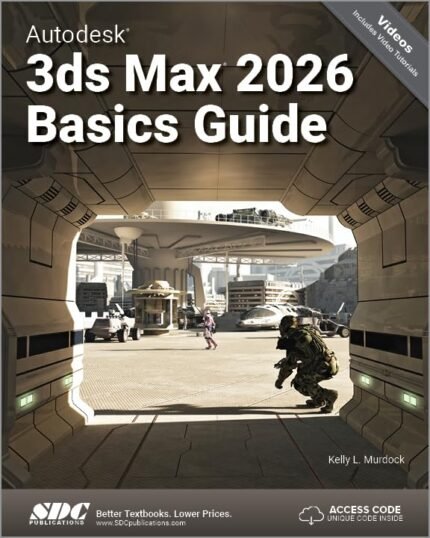
Autodesk 3ds Max 2026 Basics Guide
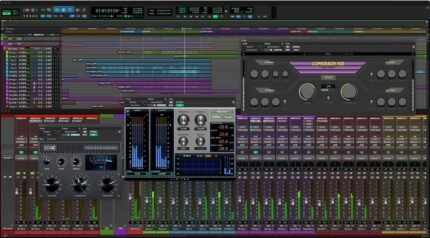
Avid Pro Tools Ultimate – Music Production Software – Perpetual License


Blackmagic Design DaVinci Resolve 14 Studio License Key Item black

Cloud Computing with AWS Boto3 and AWS SDK: Build, Automate, and Scale Production-Ready Cloud Solutions—From First Script to Enterprise-Grade Infrastructure




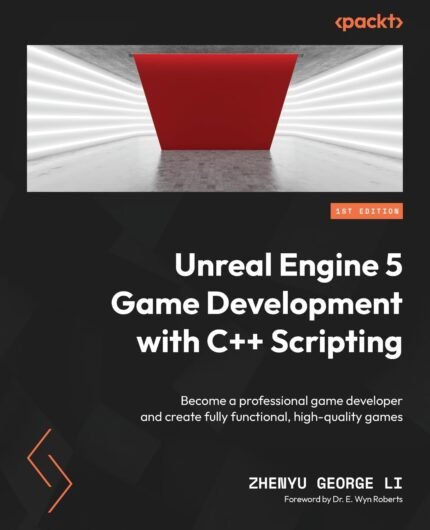














13 reviews for Hands-On Unity 2021 Game Development: Create, customize, and optimize your own professional games from scratch with Unity 2021